
Last updated on July 18th, 2026 at 12:00 pm
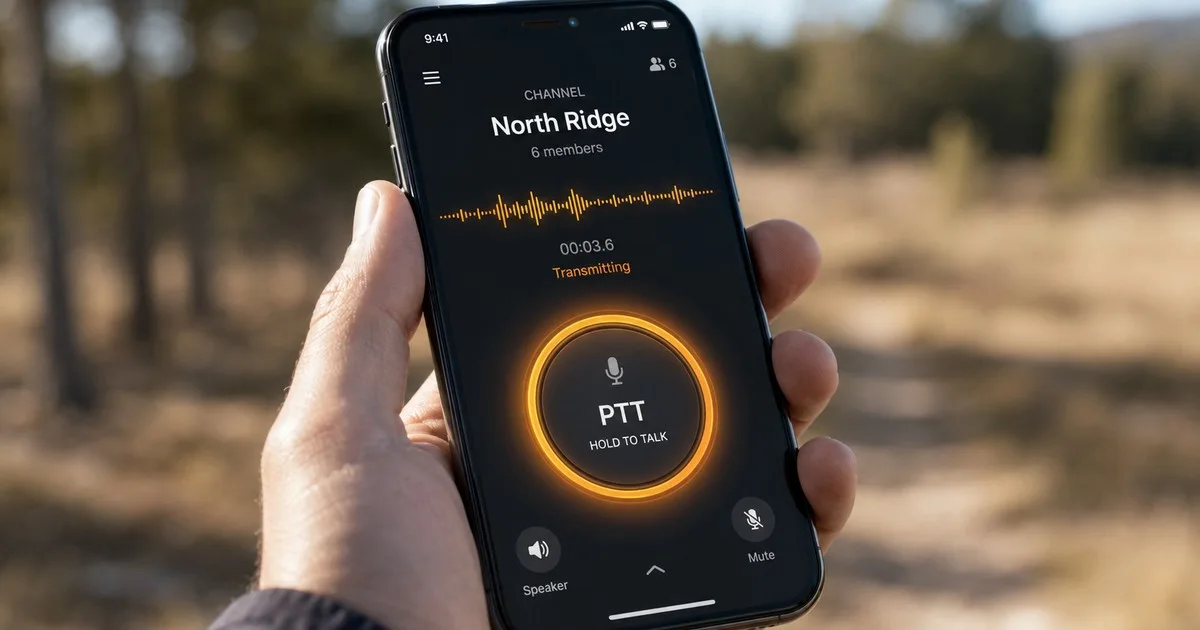
The best walkie talkie app for Android is Zello — free, stable on Android 5.0 and later, supports push-to-talk channels up to 6,000 members over cellular or WiFi.
Voxer works well for teams that need store-and-forward voice. Bridgefy is the only option that works without any internet connection, using Bluetooth mesh up to 330 feet. All three are free to download on the Google Play Store.
Someone asks about walkie talkie apps for Android — the real question is which one fits your situation. This best android walkie talkie app comparison covers only the five options that have proven reliable in actual use. There are dozens of PTT apps on Google Play and most of them are not worth your time.
If you want a dedicated push-to-talk device instead of an app — rugged standalone hardware, no phone required, roaming across Verizon, AT&T, and T-Mobile simultaneously — see our Rapid Radios review for how cellular PTT hardware stacks up against Zello.
This guide covers the best walkie talkie app for Android options that actually work, how to set them up correctly, what Android permissions they need, and which one runs without cell service. Everything here is Android-specific — for a broader comparison across iOS and Apple Watch as well, see the types of radio guide.
Best Walkie Talkie Apps for Android
These are the apps that have proven reliable as a walkie talkie app for Android in real use — not just in a lab setting.
| App | Android Version | Works Offline? | Free? | Best For |
|---|---|---|---|---|
| Zello | 5.0+ | No | Yes | Teams, large groups |
| Voxer | 5.0+ | No | Yes (limited) | Async voice messaging |
| Bridgefy | 5.0+ | Yes (Bluetooth) | Yes | No-signal situations |
| Two Way | 4.4+ | No | Yes | Simple one-to-one PTT |
| HeyTell | 4.1+ | No | Yes | Quick voice messages |
Zello
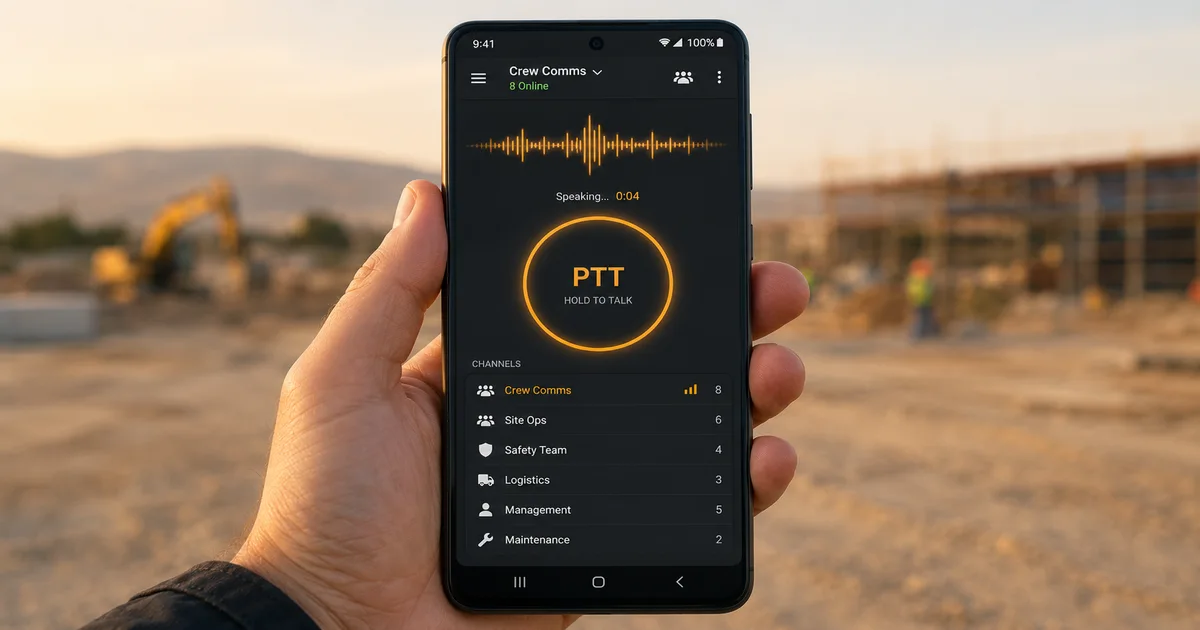
Zello is the strongest walkie talkie app for Android by a significant margin. It has been the dominant PTT app on Android for over a decade and it shows — the background audio handling on Android is better tuned than any competitor. Channels support up to 6,000 members on the free plan, making it equally useful for a two-person job site or a 500-person emergency response network.
One thing worth knowing: Android’s battery optimisation can kill Zello’s background process on some devices. On Samsung and Huawei phones specifically, you need to whitelist Zello in the battery settings to keep it running when the screen is off. The app will prompt you to do this on first launch — do not skip it.
Beyond the basics, Zello has features that separate it from casual two-way radio apps on Android. History replay lets you listen back to any transmission you missed — scroll back 30 messages per channel. Channel admin tools let you mute specific users, lock channels, and set transmit-only or receive-only modes. For anyone coordinating a crew where you do not want everyone keying up at once, that lock feature alone is worth the install.
Zello’s scan mode monitors multiple channels simultaneously and surfaces incoming audio from whichever channel is transmitting. If you are managing communications across more than one group — say, a site foreman listening to both the electrical crew and the concrete pour team — scan mode handles that without switching manually. No hardware walkie talkie in the consumer price range does this. It is one of the genuinely useful things a push-to-talk app can do that physical radios cannot.
Voxer
Voxer works on the same principle as Zello but adds store-and-forward voice — messages are saved if the recipient is offline and delivered when they reconnect. On Android, Voxer’s push notifications are reliable even in the background, which makes the delayed-delivery feature actually useful in practice. The free tier supports groups up to five people. The Pro plan at $3.99 per month removes that limit.
One practical difference between Voxer and Zello on Android: Voxer’s voice messages persist. With Zello, a transmission you miss is gone after 30 messages of history. With Voxer, every voice message is stored and searchable by time. For managers reviewing what was communicated during a shift — useful in any regulated environment where communication records matter — Voxer’s message history is a meaningful advantage over real-time-only PTT apps.
Bridgefy
Bridgefy is the only major PTT app that runs entirely over Bluetooth without cellular or WiFi. On Android it uses standard Bluetooth permissions — no special hardware required. Range is roughly 330 feet device-to-device in open terrain, extending further as more devices join the mesh.
It went through a security overhaul in 2022 after a 2020 audit identified encryption weaknesses. The current version on Google Play is the secure build.
Two Way and HeyTell
Two Way is a stripped-back PTT app — one screen, one button, one contact. No channel management, no account setup beyond a username. Useful when the other person is not technical. HeyTell is older but still maintained on Android — it functions more like a voice messaging app than a true walkie-talkie, but for casual back-and-forth it is lightweight and fast.
How to Set Up a Walkie Talkie App on Android
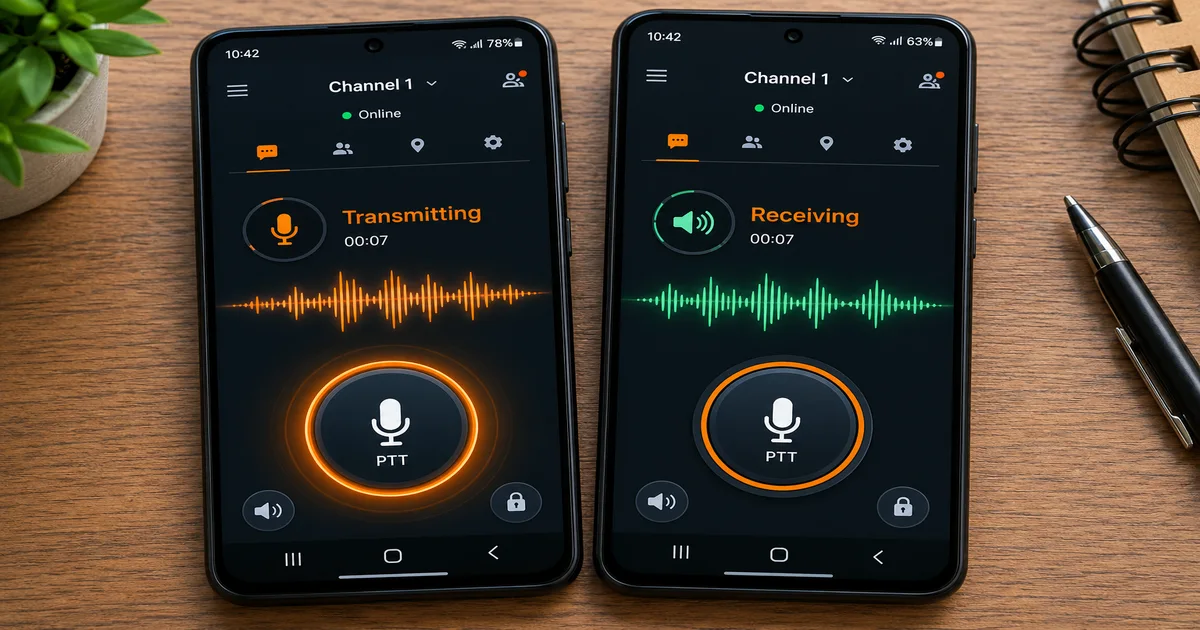
Setup is the same basic pattern across all Android PTT apps. The steps that trip people up are the permission screens — skipping them is why most people think an app “does not work.”
1. Download from Google Play
2. Create account or sign in
3. Grant microphone permission — required, app will not function without it
4. Grant notification permission (Android 13+) — needed for incoming PTT alerts
5. Disable battery optimisation for the app — Settings → Apps → Zello → Battery → Unrestricted
6. Add a contact or join a channel
7. Hold PTT button to transmit
Android Permissions a Walkie Talkie App Needs
Android’s permission system is stricter than iOS in some ways, which is why PTT apps on Android require more setup. Here is what each permission does and why it matters.
| Permission | Why Required | Without It |
|---|---|---|
| Microphone | Capture voice for transmission | App cannot transmit at all |
| Notifications | Receive incoming PTT alerts | Miss incoming calls when screen is off |
| Background activity | Stay connected when screen is off | App disconnects after 60 seconds |
| Battery unrestricted | Prevent Android from killing the process | App dies in background on Samsung/Huawei |
| Bluetooth (Bridgefy only) | Device-to-device mesh communication | Offline mode does not function |
Background activity and battery restrictions are the two most commonly missed. Android 12 and later added stricter background process limits — any PTT app you install needs to be set to “unrestricted” in battery settings or it will disconnect silently.
Free Walkie Talkie App for Android Without Internet
Most Android walkie talkie apps require a data connection. Zello, Voxer, and HeyTell all route voice through their servers — no internet means no communication. If you are going somewhere without cellular coverage, you have two options.
Bridgefy uses Bluetooth mesh networking and works entirely without internet or WiFi. Direct range is 330 feet. In a group, the mesh extends as each device relays signals to the next. It is the only legitimate offline PTT option on Android that does not require any additional hardware.
The second option is WiFi Direct — some PTT apps support creating a local network between Android devices without an access point. Range extends to 600+ feet but setup is more involved. For most people, Bridgefy is the simpler answer. Understanding the underlying mechanics of how push-to-talk transmission works helps explain why offline range is always limited — the full breakdown is in the how walkie talkies work guide.
Android vs iOS — Any Real Difference?
Zello and Voxer both work on Android and iOS, but the Android builds behave differently in a few ways worth knowing. Android gives apps more control over background audio handling, which means Zello’s always-on channel monitoring is more reliable on Android than iOS when configured correctly. On iOS, Apple’s stricter background process limits mean Zello occasionally misses incoming PTT calls when the screen is off.
The flip side: iOS users get the built-in Apple Watch Walkie-Talkie app, which has no Android equivalent. Apple Watch users have a dedicated Walkie-Talkie feature built into watchOS — covered fully in the Apple Watch walkie talkie guide. For pure Android PTT performance, Zello on Android is the stronger experience compared to the same app on iOS.
If your team is mixed — some on Android, some on iPhone — Zello and Voxer handle the cross-platform situation cleanly. Both apps maintain a single shared channel regardless of device. An Android user and an iOS user see the same channel list, hear the same transmissions, and reply on the same push-to-talk frequency. The two-way radio app behaves identically on both platforms from the user’s perspective; the differences are under the hood in how each OS handles background audio. For the person pressing the PTT button, it makes no difference.
Android Walkie Talkie App for Teams and Business
Consumer PTT apps handle individual and small-group communication well. For team deployments, the picture changes. Most of the walkie talkie app options that work for two people have limitations at 50 or more that matter in a professional setting.
Zello’s free plan supports groups up to 6,000 members but has no centralized management — users join and leave channels without admin control. Zello Work (the business version) adds a management dashboard, forced channel assignment, and mandatory push-to-talk mode. Pricing runs around $6 per user per month. For construction crews, logistics dispatch, and event operations where you need to control who can talk on which channel, the managed version is worth the cost over the free PTT app.
Voxer Business adds similar admin features to Voxer’s store-and-forward model — useful if your team operates across time zones. Async voice delivery means a message sent at midnight is received and played back in the morning. No missed transmissions. No radio silence between shifts. For teams where real-time push-to-talk is less critical than message history and delivery confirmation, a two-way radio app with store-and-forward changes the workflow entirely.
One practical limit: Android PTT apps use the phone’s built-in speaker and microphone. In high-noise environments — warehouses, outdoor job sites, manufacturing floors — this limits clarity compared to hardware radios. A wired PTT headset paired with an Android handset resolves most of it. The headset handles audio; the push-to-talk app handles the channel. The combination of software PTT and a proper boom mic headset is how most professional teams run Android walkie talkie apps at scale.
For understanding how far PTT apps can actually reach compared to hardware radios and what factors limit both, the walkie talkie range guide has the full breakdown by environment and radio type.
iPhone users with AirPods can also use the Apple Watch Walkie-Talkie feature for hands-free push-to-talk — the AirPods walkie talkie guide covers the exact setup and the best iPhone PTT apps if you don’t have an Apple Watch.